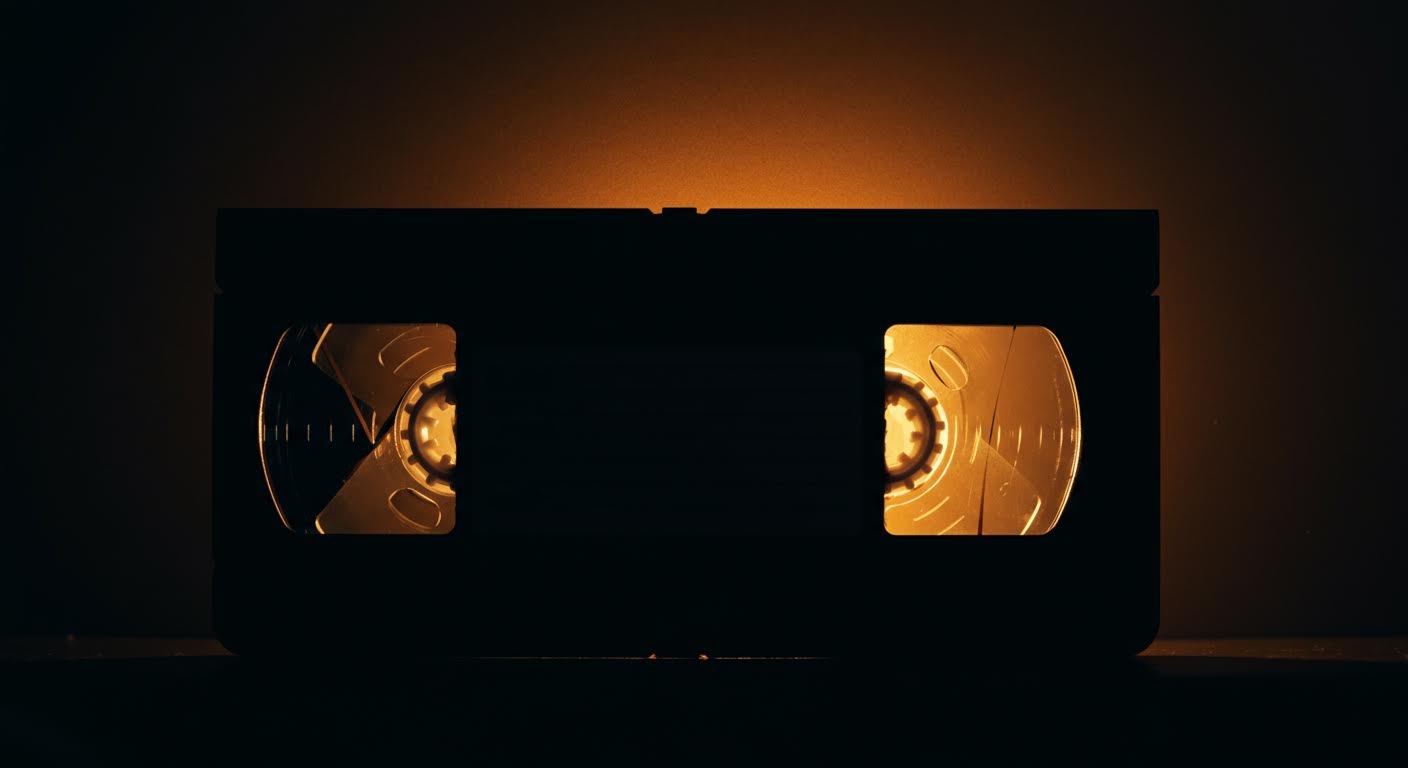
This guide outlines the post-digitization process for family VHS tapes, focusing on organizing files, simple editing, and creating shareable stories. It explains how to move beyond a folder of raw files and build a meaningful digital archive, which can be securely housed and shared within a private family network like Kinnect.
Kinnect is now LIVE! Start your private family group today.
👉 Try Kinnect on the Web
👉 Download the iOS App
The best way to handle old VHS tapes is to digitize them, but the crucial work begins after the conversion. The real goal is to organize those digital files, edit them into shareable stories, and preserve them in a private, permanent home for your family.
Digitizing VHS tapes means converting the analog video from magnetic tapes into digital files (like MP4s) that can be stored on a computer, cloud service, or hard drive. This process not only saves precious memories from the inevitable decay of the physical tape but also unlocks the ability to edit, share, and organize them into a living family archive for future generations to experience.
I remember finding a box of tapes after my dad passed. His handwriting was on every label. For a second, I was just happy to see it, but then a wave of panic hit me. These memories—his voice at my 5th birthday party, the way my mom laughed on their anniversary—were trapped on a format we couldn't even play anymore. Worse, I knew the tapes themselves were slowly turning to dust in that box.
Getting them digitized felt like a huge win. But then I was handed a hard drive with dozens of files named `CAPTURE_01.mp4`, `CAPTURE_02.mp4`... The relief was replaced by a new kind of dread. These memories were saved, but they were still lost in a digital junk drawer. The real work wasn't just converting the tapes; it was turning those raw files into a story our family could actually feel and share. This is the playbook for what to do *after* you digitize—how to build a true legacy, not just a folder of files.
The Post-Digitization Playbook: 5 Steps to a Living Archive
Getting your videos onto a hard drive is just rescuing them from a sinking ship. Now, you have to give them a permanent home. This is how you turn a folder of files into a family treasure.
- Organize and Rename Immediately. Before you do anything else, rename every file. Don't let them become digital clutter. A simple, consistent format like `YYYY-MM-DD__.mp4` (e.g., `1992-12-25_Christmas_GrandmasHouse.mp4`) makes everything instantly searchable and understandable for family members who will see these files 50 years from now.
- Create the Highlight Reel. Let's be honest: no one, not even your kids, will watch three hours of a family picnic from 1994. Use a free, simple video editor (like CapCut on your phone or iMovie on a Mac) to pull out the best 2-5 minutes. Find the moments of pure laughter, the quiet conversations, the toast from a loved one. These short clips are what get watched and shared over and over.
- Add Context and Stories. A video without context is just data. As you watch, jot down the stories. Who is that in the background? What was the inside joke everyone was laughing about? Our research reveals a startling Legacy Preservation Gap: 85% of Gen X adults report they wish they had recorded their parents' voices before they passed, yet only 12% have a system for doing so. These tapes are your system, but only if you add the stories that bring them to life.
- Share with Purpose, Not Noise. Don't just dump a link to a 20GB folder in the family group chat where it will be buried by memes. Send a single, specific highlight clip to one person. A text to your brother with a 30-second video of him opening a Christmas present and the message, "Remember this?" That’s how you spark a real connection.
- Build a Permanent, Private Home. A hard drive will fail. A USB stick will get lost. A cloud link will expire. These memories deserve a dedicated, private, and permanent home where the entire family—present and future—can access them without worrying about data mining or accidental deletion. In families with regular storytelling traditions, children show 37% higher scores on family cohesion measures. A central archive makes this tradition effortless.
You've done the hard work of saving your memories from decay. Don't let them get lost again on a hard drive. Kinnect is designed to be the permanent, private home for your family's most important stories—the videos, the photos, and the voices you never want to forget. It’s a space built for connection, not for clicks. Start building your family’s digital legacy today. Kinnect is now LIVE!
Learn more about Kinnect and Download on the App Store.
Is it worth it to digitize VHS tapes?
Absolutely. VHS tapes degrade over time, losing color, sound quality, and eventually becoming unplayable. Digitizing is the only way to permanently preserve these irreplaceable family moments and make them easy to share and enjoy for generations to come.
What is the best way to convert VHS to digital?
For the highest quality and least hassle, a professional digitization service is the best option. However, for those comfortable with technology, DIY kits that connect a VCR to a computer are a more affordable alternative, though the quality may vary.
How much does it cost to have VHS tapes digitized?
Professional services typically charge between $15 to $35 per tape. The price often depends on the length of the tape and any extra services like color correction or digital file organization. Bulk discounts are often available for large collections.
