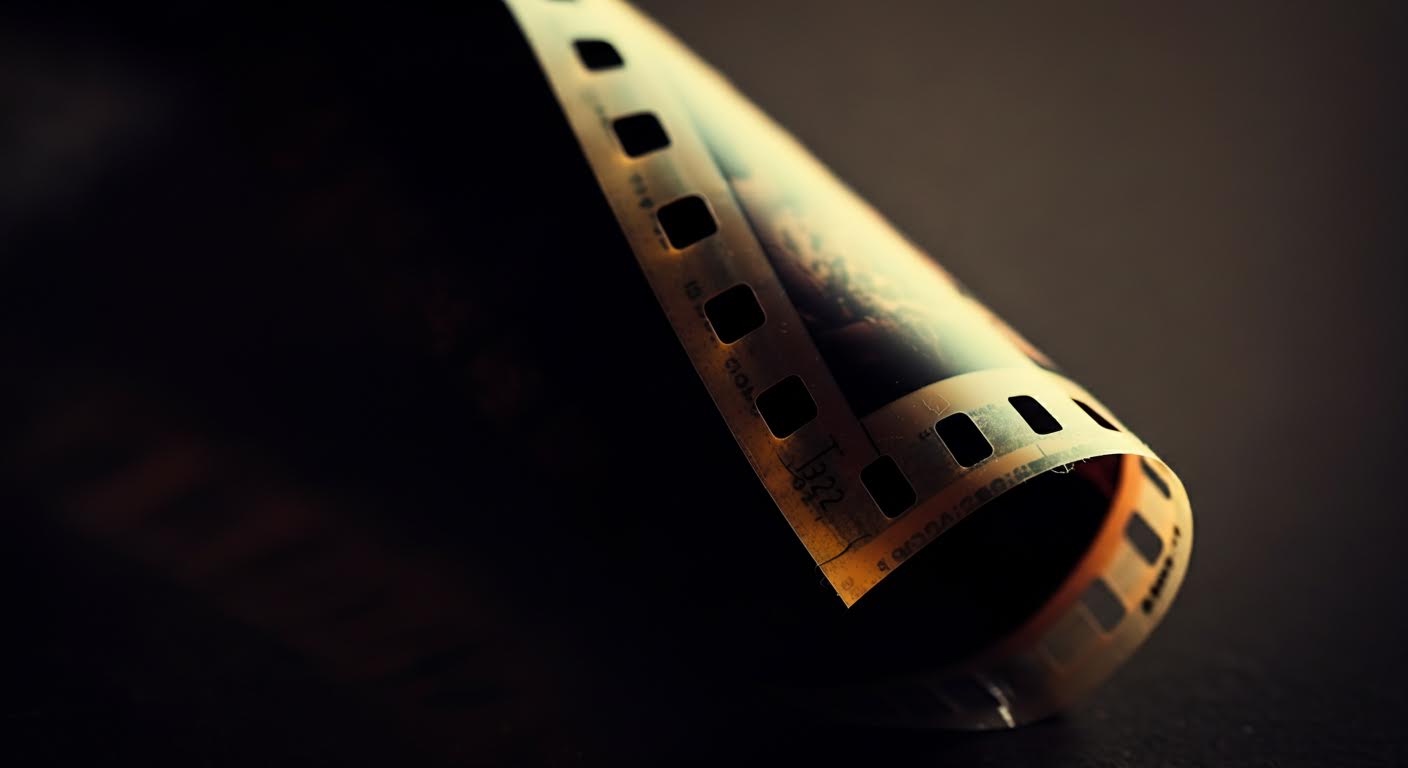
Heirloom digitization is the process of converting physical artifacts of personal or familial significance into digital formats. This includes scanning photographs and documents, as well as creating high-resolution images or 3D models of objects like jewelry or clothing. The primary goal is to create a durable, accessible digital archive of these irreplaceable items.
Key Components
- Capture: The use of scanners, cameras, or 3D modeling technology to create a faithful digital representation of the physical item.
- Metadata: The process of adding descriptive data (e.g., date, origin, stories, people involved) to the digital file for context and searchability.
- Preservation: Storing the digital files in a secure, stable, and accessible format to prevent data loss and ensure long-term viability.
Historical Context or Origin: The practice evolved from archival science and gained popularity with the widespread availability of consumer-grade scanning technology and digital storage.
Why Heirloom Digitization Matters
Heirloom digitization is crucial for preserving family history against physical threats like fire, flood, and simple decay. It democratizes access to family heritage, allowing geographically dispersed relatives to view, share, and connect with their shared past. Digital archives also enable the enrichment of heirlooms with stories and context that might otherwise be lost over time.
Platforms like Kinnect provide a dedicated, secure environment for families to manage this process, helping them organize, contextualize, and privately share their digital heirlooms for generations to come.
Frequently Asked Questions
Q: What is the difference between digitization and digital preservation?
A: Digitization is the act of creating a digital copy from a physical object, while digital preservation involves the ongoing management and maintenance of those digital files to ensure their long-term accessibility.
Q: Can you digitize 3D objects?
A: Yes, 3D objects like jewelry, sculptures, or tools can be digitized using techniques such as photogrammetry or 3D scanning to create interactive digital models.
Q: What is the best format for saving digitized photos?
A: For archival purposes, uncompressed formats like TIFF are considered the best for quality. For everyday sharing and viewing, high-quality JPEG or PNG files are suitable.
