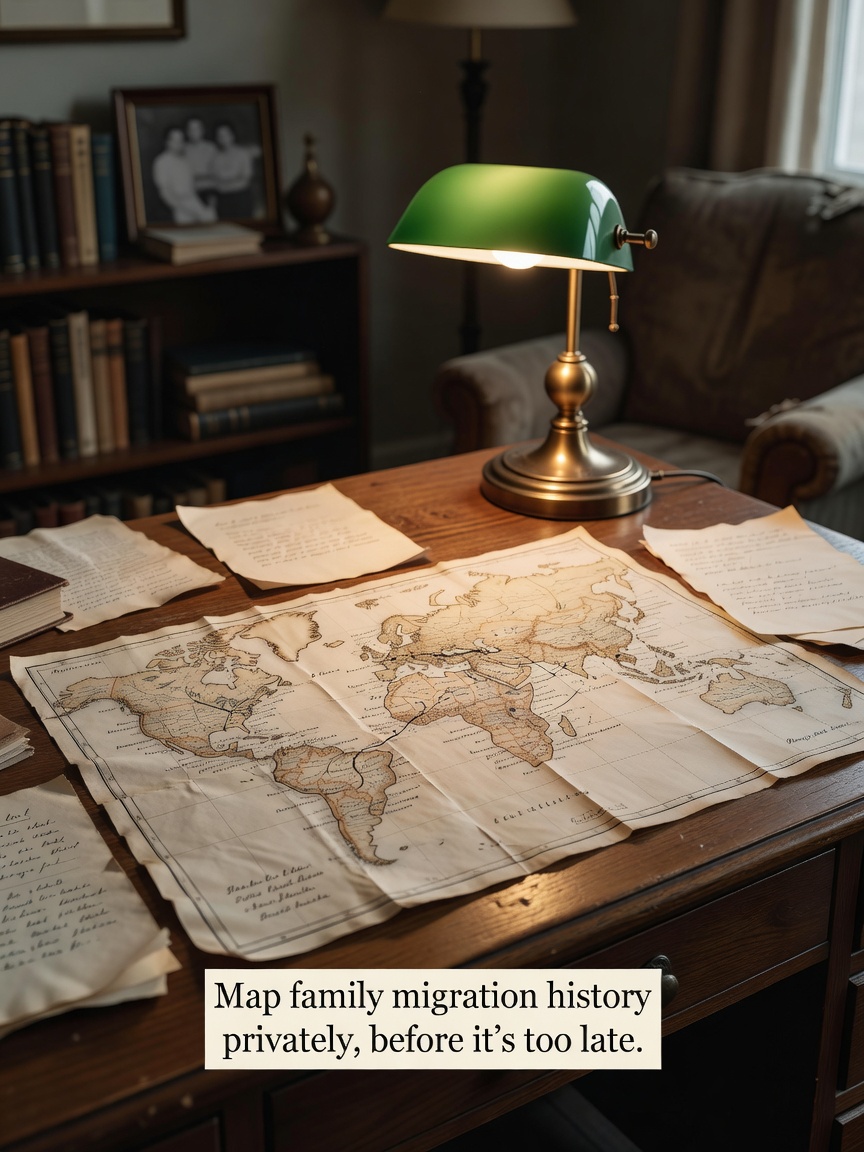
Family migration mapping is the genealogical process of documenting and visualizing the geographic movements of ancestors over generations. This practice helps uncover historical context, understand family origins, and connect personal identity to specific places and events. It's about seeing the lines on a map that led to you.
I remember sitting with my grandfather, a man of few words, as he traced a line on an old atlas with a shaky finger. 'This is where we came from,' he said, his voice quiet. 'Not the town, but this river bend.' That single moment changed everything for me. It wasn't just a dot on a map anymore; it was a story of survival, of hope, of a specific place that shaped us. You have that same yearning to connect the dots, to understand the journey. But you also have a deep need to protect your family's story from the public eye, from the data mining that powers so much of the modern web. This guide isn't about which tool has the most features; it's a process for doing this work with the privacy it deserves.
Step 1: Secure Information Gathering
Before you touch any software, you need the raw materials: the stories. The most precious records are the memories living inside your relatives. When you sit down with them, don't just ask for dates and towns—ask for feelings. 'What did the air smell like when you first arrived?' 'What was the first meal you ate in your new home?'
Kinnect is now LIVE! Start your private family group today.
👉 Try Kinnect on the Web
👉 Download the iOS App
- Record with consent: Use your phone's voice recorder to capture their actual voice. The sound of their laugh as they recall a memory is a treasure. Just be sure to ask for their permission first.
- Digitize offline: For old photos, letters, and documents, use a flatbed scanner connected directly to your computer. Avoid using app-based scanners that automatically upload to a cloud service you don't control. Save these files to an external hard drive, not a public cloud folder.
Step 2: Create Your Private 'Master File'
This is the most critical step for maintaining privacy. Before you even think about a mapping tool, create a single, offline source of truth. This is your family's digital vault. A simple spreadsheet (like Excel or Apple Numbers) is perfect for this. Create columns for: First Name, Last Name, Birth City, Birth Country, Year of Migration, Destination City, Destination Country, and a 'Notes' column for the stories you've gathered. This master file is the engine of your project. It lives only on your computer, under your control. By separating the data collection from the data visualization, you maintain complete control over your family's sensitive information.
Choosing Your Tools and Sharing Your Map Securely
Step 3: Evaluate Mapping Tools with a Privacy-First Mindset
With your private master file complete, you can now choose a tool to visualize the journey. Instead of chasing features, use these questions as your guide:
- Does it work offline? True privacy means the software doesn't require an internet connection to function.
- What is the business model? If the service is free, are you the customer or the product? Read the privacy policy to see how they use your data.
- Can you export your data? You should always be able to take your data with you in a common format, like CSV or GEDCOM.
For maximum privacy, consider offline software like Gramps, a free, open-source genealogy tool that runs entirely on your local machine. For a simpler, visual approach, you can use a tool like Google My Maps, but only with strict precautions: use a non-identifiable Google account (not your primary one) and ensure the map's sharing settings are set to 'Private - Only you can access'.
The Hidden Variable: The Emotional Weight of a Place
Conventional genealogy focuses on names, dates, and direct lineage—the 'what' and 'who'. But it often misses the 'where' and 'why'. The hidden variable in a family's story is the emotional and historical weight of a specific place. A dot on a map isn't just a coordinate; it’s the port where a great-grandmother saw a new country for the first time, the mountain pass a family crossed to escape persecution, or the small town where a new life began. Mapping your family's migration isn't about data points; it's about understanding how geography shaped your family's spirit and resilience.
Step 4: Sharing Your Map Privately
You've spent all this time carefully protecting your family's story. The final step is to share it with the same level of care. Posting your map on public social media undoes all your privacy efforts. Instead, export your map as a high-resolution image or a PDF. This self-contained file can be shared directly with loved ones without exposing any underlying data to a third-party platform. It becomes a digital heirloom, a snapshot of your family's journey that you can pass down.
Sharing these discoveries is the whole point. Knowing your family's history has a profound impact; in fact, a landmark study from Emory University found that children with a strong knowledge of their family's stories show up to 3x higher resilience and self-esteem. But the place you share these sacred stories matters. You wouldn't discuss your deepest family memories in the middle of a crowded mall, so why do it on a public social network built to advertise to you? Kinnect was created to be your family's private digital home, a place to share these maps, record the stories behind them, and connect with the people who matter most, free from algorithms and ads. It's a space built for belonging.
Frequently Asked Questions
How do I create a family tree without a subscription?
You can create a robust family tree for free using offline software like Gramps, which you install on your computer. Alternatively, you can start by simply building a spreadsheet to track names, dates, and relationships, which gives you full control and costs nothing.
What is the most private way to build a family tree?
The most private method is to create an offline 'master file' on your personal computer using a spreadsheet or text document. Then, use dedicated offline genealogy software that does not require an internet connection or upload your data to a server. This ensures your family's information never leaves your control.
How can I map my ancestors' journey for free?
You can use free tools like Google My Maps to plot locations from your private master file. To protect your privacy, use an anonymous account and ensure your map is set to private so only you can see it. You can then export the map as an image to share securely.
Learn more at Kinnect.
